Operational Context
The synergy between "Getting Things Done" and intentional scheduling creates a closed-loop system for mental clarity. While the primary framework excels at capturing and organizing every open loop, it often lacks a mechanism to protect the time required for execution. This is where dedicated time blocks act as the "muscle" for the "skeleton" of your lists.
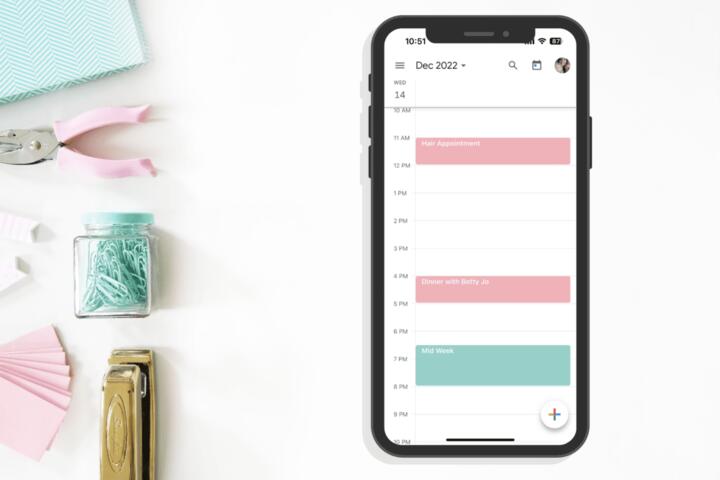
In practice, an executive might use a digital brain like Evernote to capture ideas, but without a 2-hour "Deep Work" block in Google Calendar, those ideas remain stagnant. Research by the American Psychological Association suggests that multitasking—often the default state without blocking—can reduce productivity by 40% due to switching costs.
A senior developer at a FinTech firm recently transitioned to this hybrid model. By blocking 8:00 AM to 11:00 AM for "Complexity Solving" and reserving GTD "Contexts" for the afternoon, they increased code deployment frequency by 15% within one quarter.
Execution Barriers
Most professionals fail because they treat their calendars as a "wish list" rather than a hard constraint. They overlook the "buffer" required between intense cognitive tasks, leading to a domino effect of delays when a single meeting runs long. This lack of margin creates psychological stress, triggering the "Zeigarnik Effect"—where unfinished tasks haunt your thoughts.
The consequences are measurable: burnout, missed deadlines, and a constant state of "reactive firefighting." Real-world data from RescueTime indicates that the average knowledge worker has only 1 hour and 12 minutes of productive time per day without interrupted focus. Without a proactive defensive strategy, your priorities are dictated by whoever sends the most recent email.
The Trap of Granular Over-Scheduling
Beginners often attempt to block every 15-minute interval, creating a brittle schedule that breaks at the first sign of chaos. Effective blocking requires "Macro-Blocks" of 90–120 minutes for high-value work, leaving smaller gaps for administrative GTD maintenance like "Inbox Zero" or "Weekly Reviews."
Ignoring Energy Fluctuations
Scheduling a high-intensity creative task at 4:00 PM when your circadian rhythm is dipping is a recipe for failure. A sophisticated approach aligns the difficulty of the GTD "Next Action" with the biological prime time identified through tools like Rise Science or simple self-observation.
The Problem of Open Loops
If you block time but haven't clarified the outcome (a core GTD principle), you will spend the first 30 minutes of your block wondering where to start. The "Next Action" must be defined before the block begins; otherwise, the block becomes a period of procrastination.
Failure to Use Contextual Filters
GTD uses @Office, @Home, or @Computer tags. A common mistake is not aligning blocks with these contexts. If you are in a "Deep Work" block at your desk but haven't filtered out your @Phone errands, your focus will be fragmented by irrelevant reminders.
Underestimating Administrative Overhead
Many ignore the time it takes to "process" the inbox. If you don't schedule a specific block for GTD's "Clarify" and "Organize" phases, your system will accumulate "digital debt," eventually becoming so bloated that you stop trusting it entirely.
Tactical Implementation
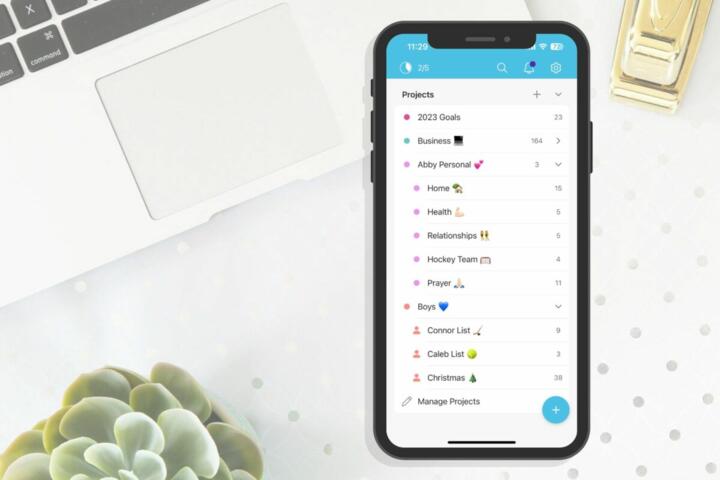
To master this, start by identifying your "Big Rocks"—the 20% of tasks that produce 80% of your results. Use a tool like Todoist to manage your lists and Fantastical to visualize your day. Block "The Morning Fortress"—a 3-hour window of zero interruptions for your most difficult project.
This works because it removes the "What should I do now?" question. When the calendar says "Quarterly Report," that is the only reality. Use the Pomodoro Technique (25/5 or 50/10) within these blocks to maintain high neuro-electrical activity. Data from Microsoft’s Human Factors Lab shows that brain breaks between blocks prevent stress buildup.
Implement "Theme Days" if possible. For example, Monday for "Strategic Planning," Tuesday for "Client Execution," and Friday for "GTD Weekly Review." This reduces context switching costs significantly. A study by UC Irvine found it takes an average of 23 minutes to return to a task after a distraction; blocking eliminates these entry/exit costs.
Performance Case Studies
A marketing agency with 50 employees struggled with "Zoom Fatigue." They implemented "No-Meeting Wednesdays" paired with a mandatory GTD Weekly Review block from 3:00 PM to 5:00 PM on Fridays. Result: Employee satisfaction scores rose by 30%, and project delivery speed increased by 22% over six months.
An independent consultant switched from a chaotic "to-do list" to a "Calendar-First" GTD approach using Notion and Reclaim.ai. By letting the AI automatically block time for tasks based on priority, they reduced their working week from 60 hours to 45 hours while maintaining the same revenue, proving that time density beats time volume.
Optimization Roadmap
| Phase | GTD Component | Blocking Strategy | Recommended Tool |
|---|---|---|---|
| Morning | Engage (Deep Work) | 90-120 min focus block | Cold Turkey / Freedom |
| Mid-Day | Clarify & Organize | 30 min "Admin" block | Things 3 / TickTick |
| Afternoon | Engage (Shallow) | Batching @Emails / @Calls | Calendly / Gmail |
| Evening | Reflect | 15 min "Shutdown Ritual" | Sunsama |
Common Pitfalls
Avoid "The Perfectionist’s Wall." If a block is missed, do not abandon the day. Simply "re-map" the remaining hours. Use "Time Buffers"—15-minute cushions between blocks—to handle the physical and mental transition. Never block more than 70% of your day; the remaining 30% is for the "Emergent Work" that GTD is designed to capture.
Another error is neglecting the "Weekly Review." This is the cornerstone of the framework. Without it, your calendar and your lists will desynchronize. Schedule this for Friday afternoon or Sunday evening to ensure your blocks for the upcoming week reflect your actual current priorities, not last month's goals.
FAQ
How long should a typical time block last for complex tasks?
For high-cognitive "Deep Work," blocks should ideally last between 60 to 90 minutes. This aligns with the body's ultradian rhythms, allowing you to reach a state of "flow" without causing mental exhaustion.
Can I use this method if my schedule is dominated by meetings?
Yes. In a meeting-heavy environment, use "Defensive Scheduling." Block out your work time as "Busy" in shared calendars (like Outlook) to prevent others from booking over your essential production hours.
What is the difference between a task list and a time block?
A task list tells you *what* needs to be done; a time block tells you *when* you are going to do it. The list is the inventory, while the block is the dedicated resource allocation.
Should I block time for small tasks like replying to one email?
No. Batch small tasks into a single "Administrative" or "@Email" block. Grouping similar low-energy tasks prevents context switching and is much more efficient than scattered interruptions.
How do I handle urgent interruptions that break my block?
Use the "Capture" principle. Write the interruption down in your GTD "In-tray" and immediately return to your block. Unless it is a genuine crisis, do not let it derail your scheduled focus.
Author’s Insight
In my decade of consulting on workflow optimization, I’ve found that the "Weekly Review" is the most skipped step, yet it’s the most vital for successful blocking. I personally use a "Shutdown Ritual" at 5:00 PM every day to bridge my GTD lists with tomorrow’s calendar. My best advice: treat your blocks like a doctor’s appointment with yourself—non-negotiable and sacred. When you respect your own time, others eventually start to do the same.
Summary
Integrating structured temporal windows into a capture-based productivity framework transforms reactive habits into proactive mastery. By defining "Next Actions" and physically reserving space for them on your timeline, you eliminate the friction of starting. Start today by blocking your first 90-minute "Deep Work" session for tomorrow morning and sticking to it regardless of your inbox volume.